What is AI Video Clip Stitcher FX?
AI Video Clip Stitcher FX is an AI-powered video creation platform built around one core idea: AI creation is not enough without real timeline editing.
Many AI video generators produce short clips (and not every clip is usable), so making a proper 30–60+ second video turns into a messy process: regenerate, waste credits, download clips, move to another editor, re-upload, sync audio, export… This tool combines both sides in one place: generate clips/scenes and then stitch, trim, cut, mix, copy/paste, and layer everything on a real multi-timeline editor.
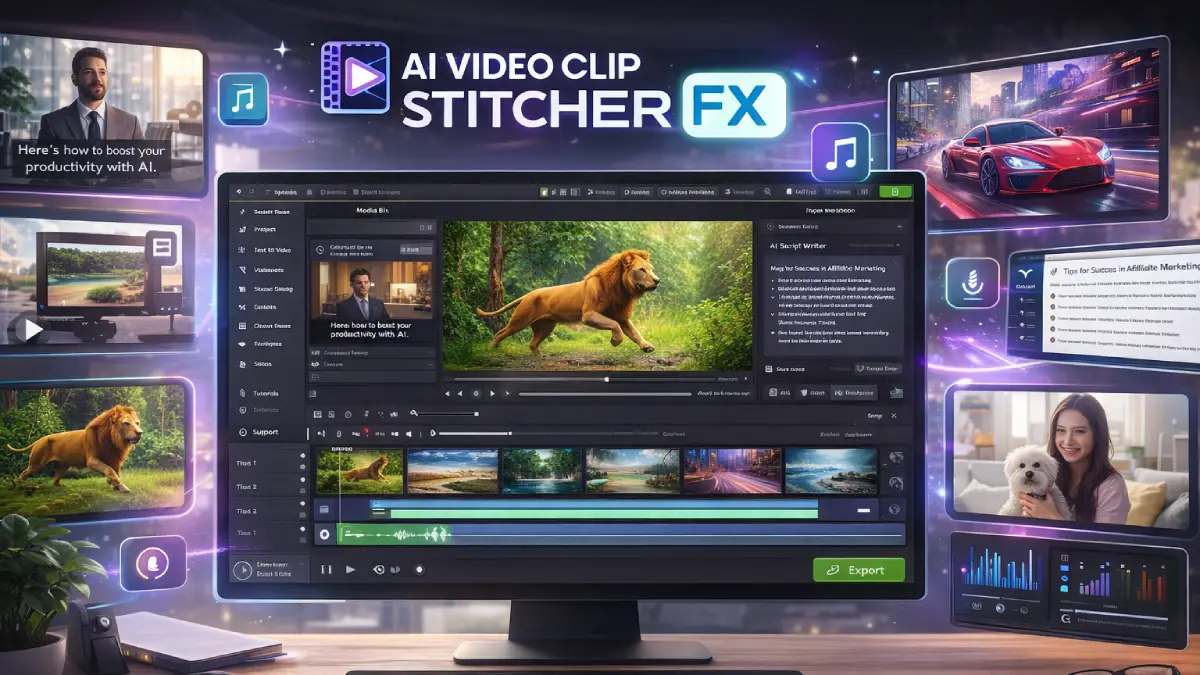
How it works (simple steps)
- Step 1: Enter a keyword / idea: the AI generates video ideas and helps write a professional script.
- Step 2: Generate scenes & assets: create short clips, 15-second scenes, images/designs, music, and human-like voiceovers.
- Step 3: Edit on the timeline: stitch clips together, trim weak parts, split, clone, reorder, manage layers and timelines, and add captions.
- Step 4: Add recordings (optional): record screen, webcam video, and voiceovers directly inside the platform.
- Step 5: Export for any platform: resize and export in 16:9, 9:16, or 1:1 and publish on Shorts/Reels/TikTok/YouTube/ads.
Discover how AI Video Clip Stitcher FX works
Step-by-step walkthrough from my YouTube channel

Key features that matter
These are the features that actually solve the “AI clips → finished video” gap.
- AI clip & scene generation: create short clips instantly or build 15-second scenes ready for the timeline.
- AI full video creation: generate multi-scene videos from one prompt (with optional manual edits).
- Real timeline editor: stitch, mix, merge, cut, trim, split, clone, copy/paste, reorder and join clips.
- Multiple timelines + layer control: manage text, images, video, and audio layers for clean production.
- Captions + script writer: auto captions you can edit + AI script writing from keywords.
- Music + voiceovers: AI music generation + human-like voiceover options.
- Recording tools: screen recording (with audio), webcam recording, and voice recording inside the app.
- Stock media library: search and add stock videos/images (Pixabay integration) and import your own footage.
- Resize & export: 16:9, 9:16, 1:1 — built for YouTube, Shorts, TikTok, Instagram, Facebook, ads.
Pros & Cons (realistic)
Pros
- Fixes the AI video bottleneck: the timeline editor is the missing piece for turning clips into full videos.
- All-in-one workflow: generate, edit, record, caption, resize, export — without hopping between tools.
- Multi-timeline + layers: makes it easier to build polished edits instead of “one track chaos”.
- Built for short-form + ads: resizing and scene-based creation fits reels/shorts and promo formats.
- Recording included: great for tutorials, demos, and hybrid videos (AI + real screen/cam).
Cons
- AI doesn’t replace direction: you still need a clear concept, angle, and pacing to make the edit land.
- Timeline control adds choices: it’s powerful, but beginners may need a short learning curve.
- Output quality depends on inputs: scripts, scenes, and voice choices still matter a lot.
- Heavy production needs upgrades: if you produce a lot, the Pro / Fast Pass path can make more sense.
My personal angle (how I’d use it)
- Short-form content engine: generate 6–15s clips, stitch into 30–60s reels, export 9:16, post daily.
- Ad testing: build multiple hook variants quickly, trim weak parts, keep winners, export for paid traffic.
- Tutorial + AI hybrid videos: record screen walkthrough + insert AI scenes/visuals + captions for retention.
- Agency deliverables: produce social packages (1:1, 9:16, 16:9) from the same timeline project.
Bonuses
I’m not listing bonuses here on purpose (to keep this page focused on the product review). If you want bonus access details and how delivery works on Tool Review Central, use the bonus info page:
Bonus details
See what’s included and how delivery works after purchase.
Quick buying decision (what I’d pick)
If you want the complete setup without thinking too much, go Bundle. If you want every upgrade in one click, go Fast Pass. If you just want to test the core editor, start with Front-End.
Pricing & funnel breakdown
| Offer | Price | Best for |
|---|---|---|
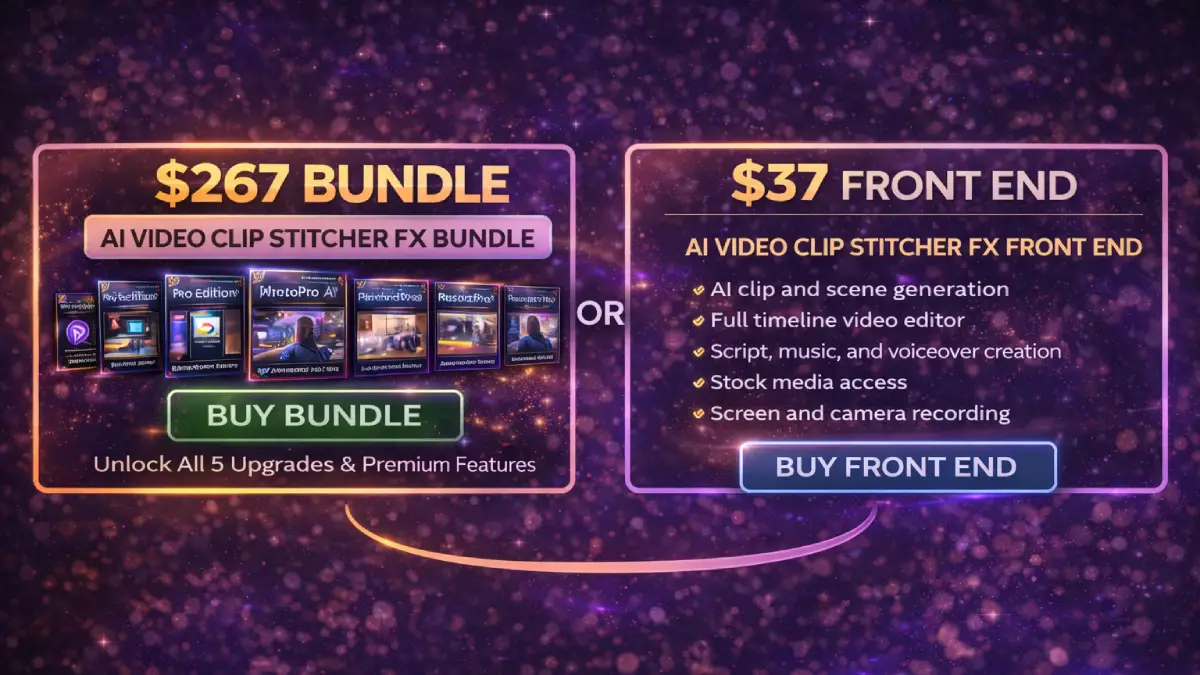
| Front-End — AI Video Clip Stitcher FX | $37 |
Starter access to the core workflow: AI clip/scene generation + full timeline editor + scripts/music/voiceovers +
stock media + screen/cam/voice recording + exports.
Coupon: AVFX5OFF ($5 off). |
| Fast Pass — All Upgrades (OTO1–OTO5) | $230 | Fastest path if you want all premium upgrades + reseller/agency without buying OTOs individually. |
| Bundle — AI Video Clip Stitcher FX Bundle (Best Deal) | $267 |
Most complete “everything in one” package: FE + OTO1 + OTO2 + OTO3 + OTO4 + OTO5 + bonuses + tutorials.
Coupon: AVFXBUNDLE ($50 off bundle). |
| Mega Bundle — Traffic & Lead Gen Add-on | $127 | Extra tools + training (lead extractors, email tools, premium stock, ads training) for people who want video creation plus traffic/lead-gen systems. |
| OTO1 — Pro | $47 | Best if you want more capacity: longer videos (up to ~3 minutes), higher monthly video creations, faster processing, priority rendering. |
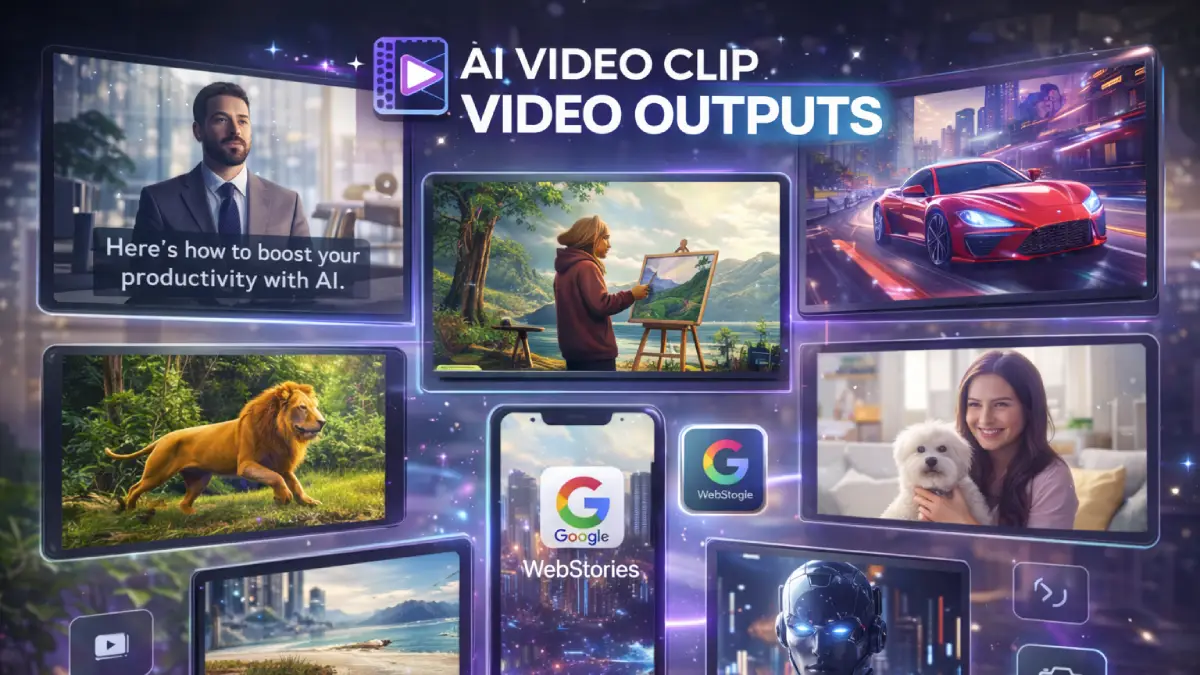
| OTO2 — Google WebStories Edition | $27 | Turn videos into Google WebStories for organic traffic (templates + story format publishing). |
| OTO3 — PhotoPro AI Edition | $67 | AI headshots/portraits from photos (useful for profile branding + creatives). |
| OTO4 — RecordPro Edition | $67 | Advanced recording tools for tutorials/demos (screen + webcam + voice capture workflows). |
| OTO5 — Reseller / Agency | $197–$297 | Resell the product and keep profits (licenses + DFY pages + marketing materials + support handling). |
Direct links (Bundle first)
Open in a new tab. These are affiliate links.
FAQ
Is this just an AI video generator?
No — the differentiator is the real timeline editor. The AI helps generate clips/scenes/assets, but the timeline is what turns those pieces into a finished video.
Can I use my own footage?
Yes. You can import your own videos/images/audio, plus record screen, webcam, and voice inside the platform.
What formats does it support?
It’s built for multi-platform output: 16:9 (YouTube), 9:16 (Shorts/Reels/TikTok), and 1:1 (Instagram/Facebook posts).
Do you have a bonus page?
Yes — bonus info is here: /bonus/.
About the reviewer
Samuel Marco
I publish hands-on reviews of AI software and online business tools, with a focus on real workflows, monetization paths, and what actually matters when you try to scale. My goal is to help you decide fast and choose tools that can produce real-world results.
Final verdict
AI Video Clip Stitcher FX is best viewed as the missing bridge between AI clip generation and real video production. If you’re tired of short AI clips that don’t become finished videos, the timeline editor + multi-layer workflow is the real win. For creators and marketers making Shorts/Reels, ads, explainers, or tutorials, this can become a repeatable “generate → stitch → export” system.
Want to turn AI clips into complete polished videos?
Bundle is the simplest “best value” path. Front-End is the starter option. Fast Pass is for all upgrades.